
How to use this Valorant crosshair generator
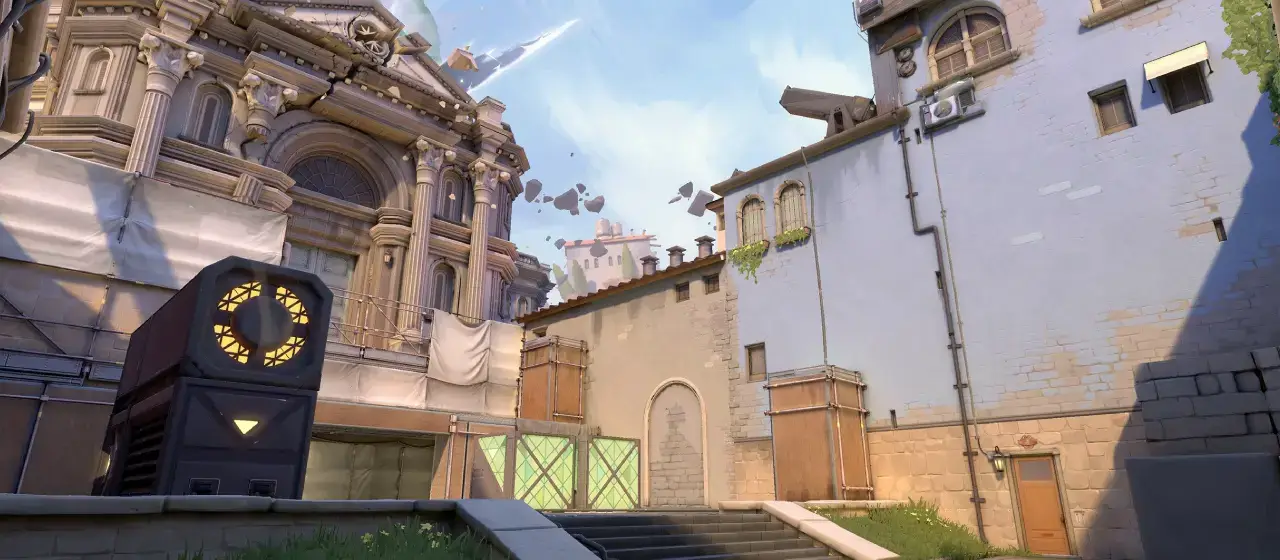
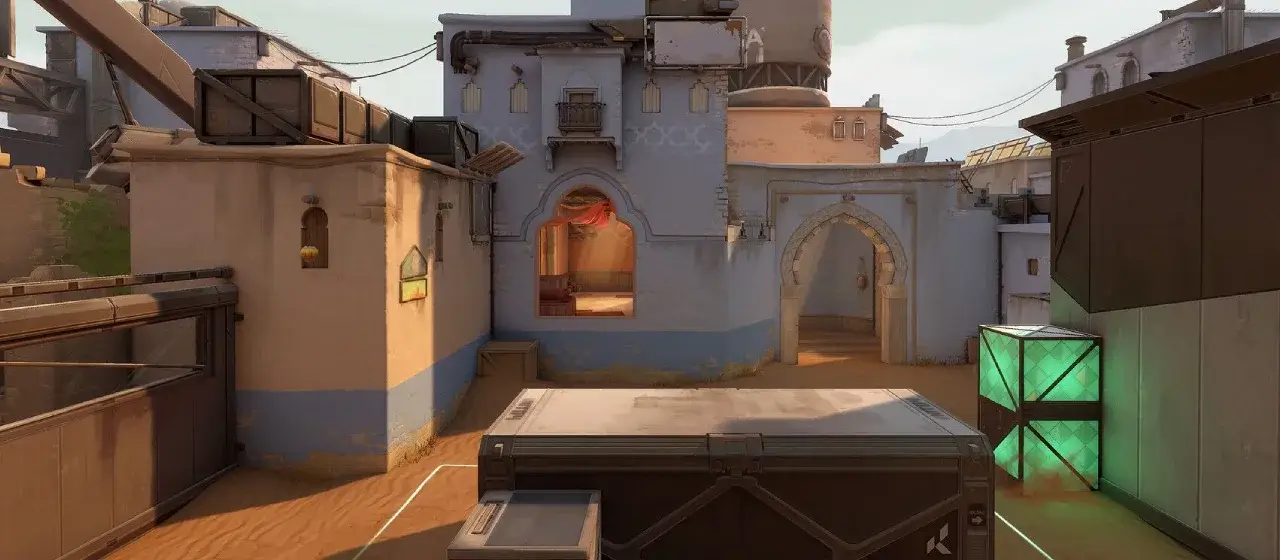
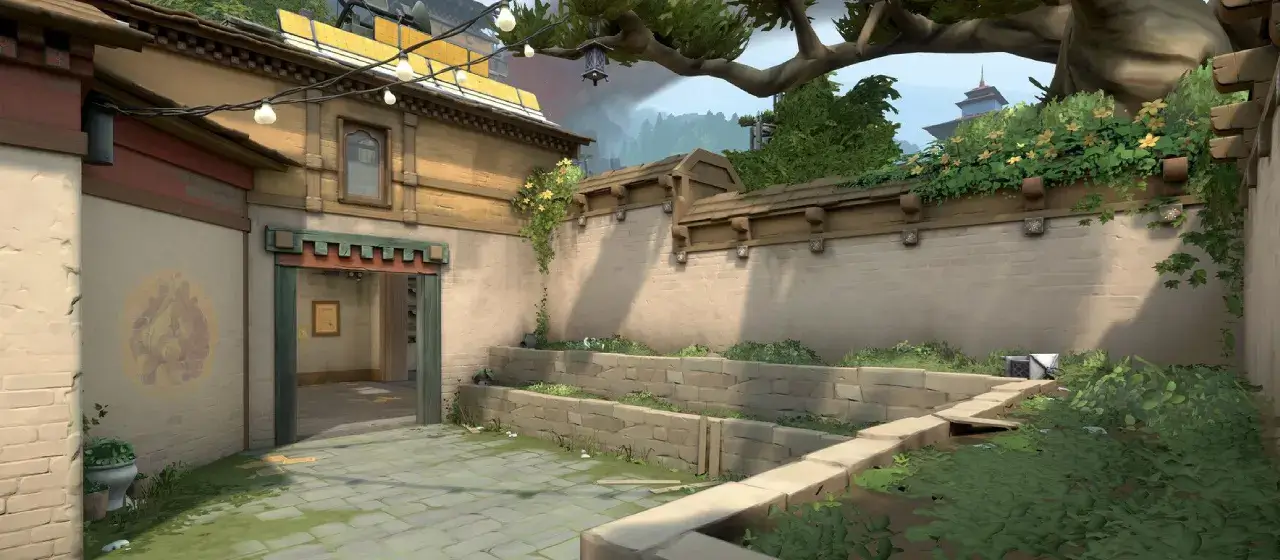
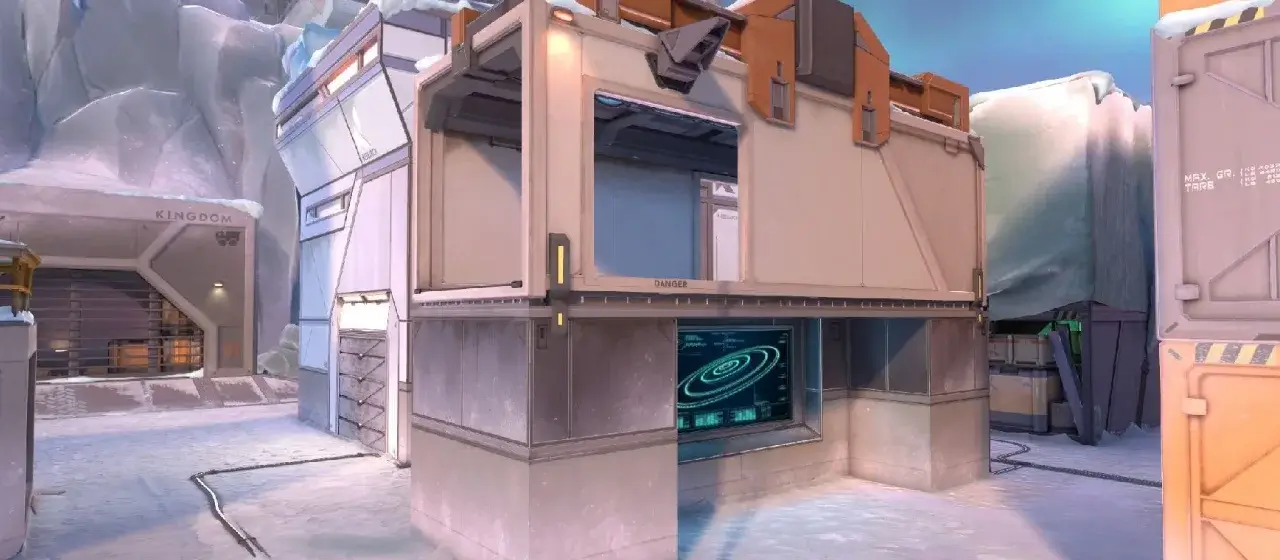
The preview at the top shows your crosshair on a Valorant map background — use the arrows or dots to switch between Ascent, Bind, Haven, and Icebox. Every change in the control panel updates the preview instantly.
When you're happy with the result:
- Click Copy to grab the settings list
- Launch Valorant and go to Settings → Crosshair → Crosshair → Crosshair
- Set each value to match what's in the copied list
- Want to share it? Click Share to copy a link that opens the generator with your exact crosshair pre-loaded
Why a settings list instead of a Valorant share code? Valorant's crosshair profile codes have several profile sections (Primary, ADS, Sniper) and field mappings that aren't fully documented. The settings list is 100% reliable — every value is labeled exactly as it appears in Valorant's editor, so you can transcribe in under a minute.
Understanding the settings
Crosshair color
Valorant has 8 preset colors (White, Green, Yellow-green, Green-yellow, Yellow, Cyan, Pink, Red) plus a Custom option that lets you pick any hex. The most-used pro colors are Cyan, Green, and White — picked because they contrast against Valorant's warm map palettes (Ascent's stone, Bind's sand, Icebox's snow). If you want to see exactly which color each top pro is running, every player page in our Valorant pro settings hub lists their full crosshair config.
Outlines
Adds a dark border around the crosshair so it stays visible against bright textures. Enable it with thickness 1–2. Most pros leave outlines on at default opacity — it costs nothing visually and improves visibility on every map.
Center dot
A single small square at the exact center. Useful for one-tap weapons (Sheriff, Operator) and pixel-perfect aim setups. Many pros use it; many don't — it's personal preference.
Inner lines vs outer lines
Most Valorant crosshairs only use the inner lines — four short marks around the center separated by an offset gap. The outer lines are a second set further out, useful for spray patterns or for players who want a "fuller" crosshair. The default in this generator is inner-only, which matches what the vast majority of pros run.
Length / Thickness / Offset
Length is how long each line is. Thickness is how chunky. Offset is the gap between the center and where each line starts (the smaller, the tighter the crosshair). Most pros run length 2–6, thickness 1–2, offset 1–3 — a small, tight crosshair that doesn't obscure heads at range.
Movement / firing error
Valorant has a built-in "error" indicator — when enabled, the crosshair expands as your accuracy drops (from running or firing). Most pros disable both because the visual movement is distracting and the information isn't useful — you already know not to fire while moving.
Frequently asked questions
Will these settings persist after I restart Valorant?
Yes. Crosshair settings are stored on your Riot account and sync across devices. Once you enter them in the in-game editor they stay until you change them.
Can I import a pro's crosshair?
Every Valorant pro page on our Valorant settings hub shows the player's crosshair share code. Valorant has a built-in code import: go to Settings → Crosshair → Top-right "Import Profile Code" button → paste. You can also use the share codes we list directly inside Valorant itself.
Why doesn't this generate a Valorant profile code?
Valorant's profile codes use a multi-section format (Primary, ADS, Sniper) with field mappings that aren't publicly documented and vary between game updates. A best-effort generated code that breaks on import is worse than no code — so we give you the manual settings list, which always works.
What's the most popular Valorant crosshair color?
Cyan and Green dominate the pro scene — both stand out against every map's color palette without bleeding into the environment. White is a distant third (good visibility on dark maps but disappears on bright ones).
Why does my preview look slightly different in-game?
Pixel-perfect 1:1 rendering between a browser SVG and Valorant's Unreal engine is impossible — sub-pixel rounding and screen-space scaling differ. The preview is accurate within a pixel or two of what you'll see in Valorant at 1080p; at higher resolutions your in-game crosshair will look slightly sharper.
Does the Share link work?
Yes — Share copies a URL with all your current settings encoded in the address. Anyone who opens that link sees the generator pre-loaded with your exact crosshair. Useful for sharing in Discord or with a coach.