









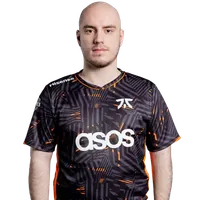

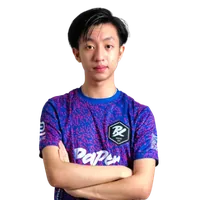

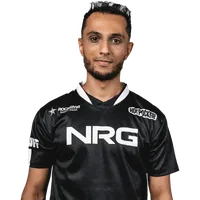

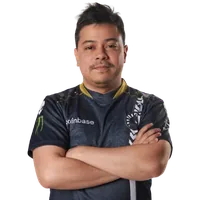











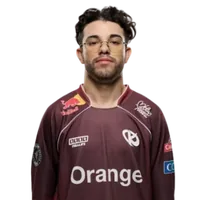
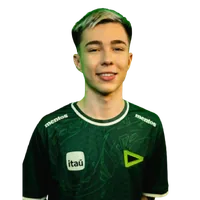
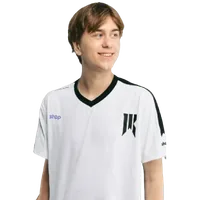

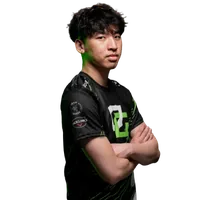

























How to use these crosshair codes
Every card on this page is a live render of an active Valorant pro's crosshair. To use one:
- Find a crosshair you like and hover the card
- Click the Copy button to grab the import code
- In Valorant, go to Settings → Crosshair and click the Import Profile Code button (top-right of the crosshair menu) — paste the code and confirm
- Or open the player page (click anywhere else on the card) to see the full setup: sens, video, monitor, gear
You can also tweak from a pro's crosshair: open our Valorant Crosshair Generator and rebuild the settings using the controls — then copy your edited version into Valorant.
About this database
Crosshairs are pulled from each player's profile in our database and re-rendered as SVG from their actual color, inner/outer line, center dot, and outline settings. Every time we re-scrape a player and their crosshair changes, this page updates automatically on the next build.
This isn't an editorial list — it's a direct view of what 121 active Valorant pros have set up right now. If you want depth on a specific player (full sens, video, agent, full gear list), click through to their page.
Frequently asked questions
Where do I paste the import code?
Launch Valorant → Settings → Crosshair → Crosshair → Crosshair. At the top-right of the crosshair editor there's an Import Profile Code button. Click it, paste the code, confirm. Your crosshair updates immediately.
Will the crosshair persist after I restart Valorant?
Yes. Crosshair settings are stored on your Riot account and sync across devices. Once you import a code, it stays until you change it.
Can I tweak a pro's crosshair?
Yes — copy the import code from any card here, paste it into Valorant first to load the settings, then either tweak them in-game or rebuild a similar setup in our Valorant Crosshair Generator with a live preview.
How accurate are these previews?
Each crosshair is rendered as SVG using the player's actual color, line dimensions, offset, opacity, and outline settings. They're accurate within a pixel or two of what you'll see in Valorant at 1080p. Sub-pixel rounding and screen-space scaling differ between a browser and Unreal Engine, so don't expect identical-to-the-pixel — but the shape, size, and color all match what's in the import code.
How often is this list updated?
Whenever we re-scrape our player database — typically every few weeks. The page auto-regenerates from the latest data with no manual reordering.